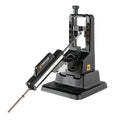
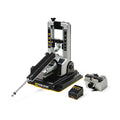
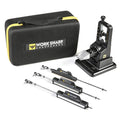
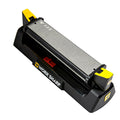
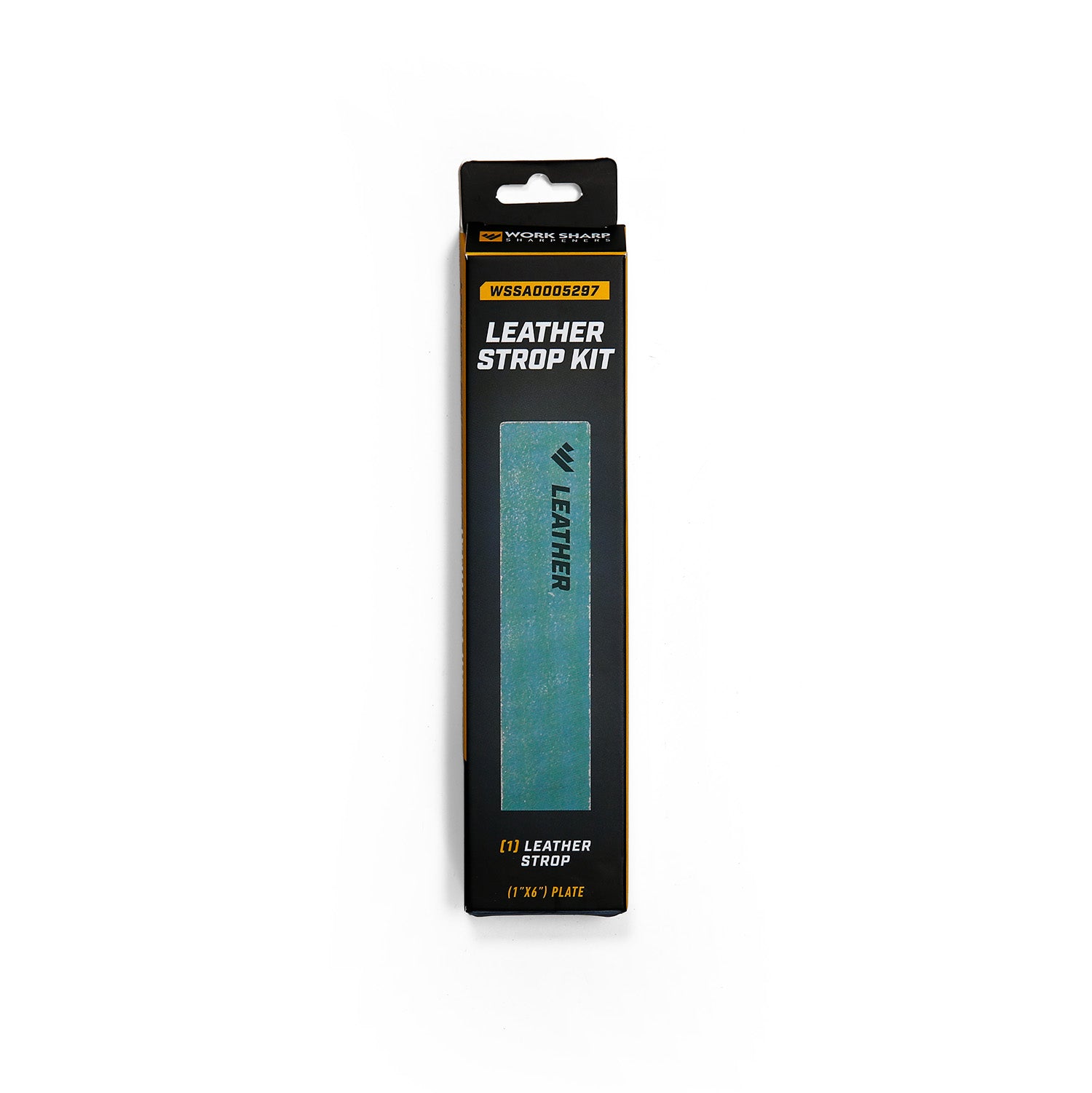
ABRASIVES & ACCESSORIES TO SUIT PRECISION ADJUST PRO
Loading products…
Image
Code
Product Name
Specifications
Stock Level
Price / Add to cart
Loading…
Save with a complete set
Choosing a selection results in a full page refresh.
Opens in a new window.
Find Your Sharpener
QUICK 3-QUESTION QUIZ
Having Trouble Deciding?
Answer 3 quick questions and we’ll match you with the right sharpener.
Step 1 of 3
What do you want to sharpen?
Select the option that best describes your main sharpening need.
Step 2 of 3
Where will this be used?
Think about where you’ll be doing most of your sharpening.
Step 3 of 3
What’s most important to you?
Choose what matters most when you’re sharpening.
These are our top recommendations for you!
PayPal Pay Later Messaging
Step 1: Choose message placement
Click the button below and then hover over your page to select a placement.
Step 2: Paste and save
You have copied the placement for the Product Page.
Go back to the App Embeds section, and in the Paypal Advanced Settings, paste the copied value into the
Product Page field and click the 'Save' button in the top right corner.